
Windows: Selecting Output Audio Device
What will be covered:
- How to Select the appropriate audio output device
Reason: One reason to select the right output device is Windows might of auto-selected the wrong output device and now the audio is being outputted from your monitor instead of the headphones.
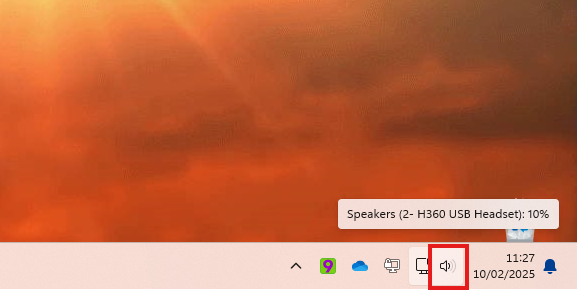
1. Open Quick Panel
Locate the quick panel at the bottom right of your screen and open it.
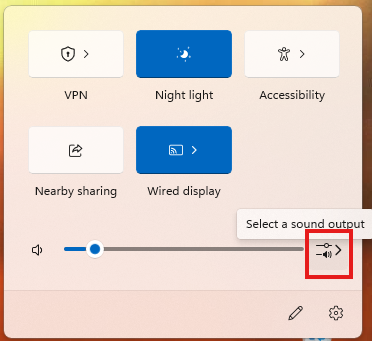
2. Open Sound Output Menu
Click the "Sound Output menu."
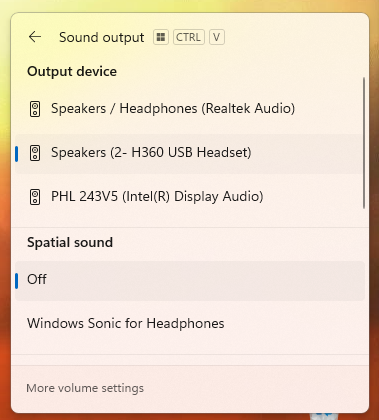
3. Select & Test
Whatever Windows has recognized of sound output devices will be displayed under the Output device. Select the appropriate output device so that audio can be outputted to that device instead of another.
No Comments