
3CX: How to view Recordings & Voicemails
Article shows the steps of viewing recordings and voicemails within the 3CX web app
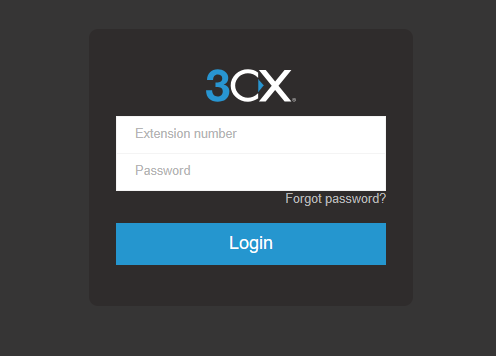
1. Open the 3CX Web app
Enter your extension number and password
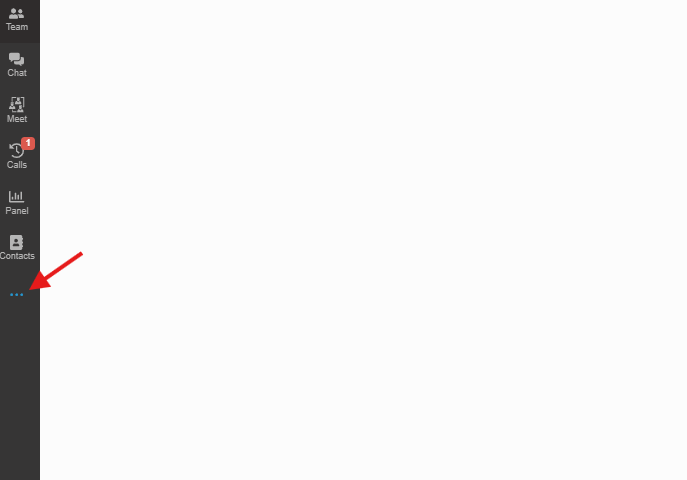
2. Three dots
Click and Open the dots menu
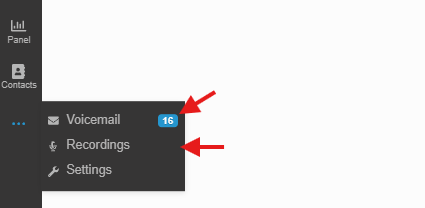
3. Review Recordings and Voicemail
Pick and choose whether you want to look at recordings or voicemails.
No Comments