
Windows: How to reset/Add a PIN
This article goes through resetting/ Adding a PIN for Windows 10/ 11
1. Open the Start Menu
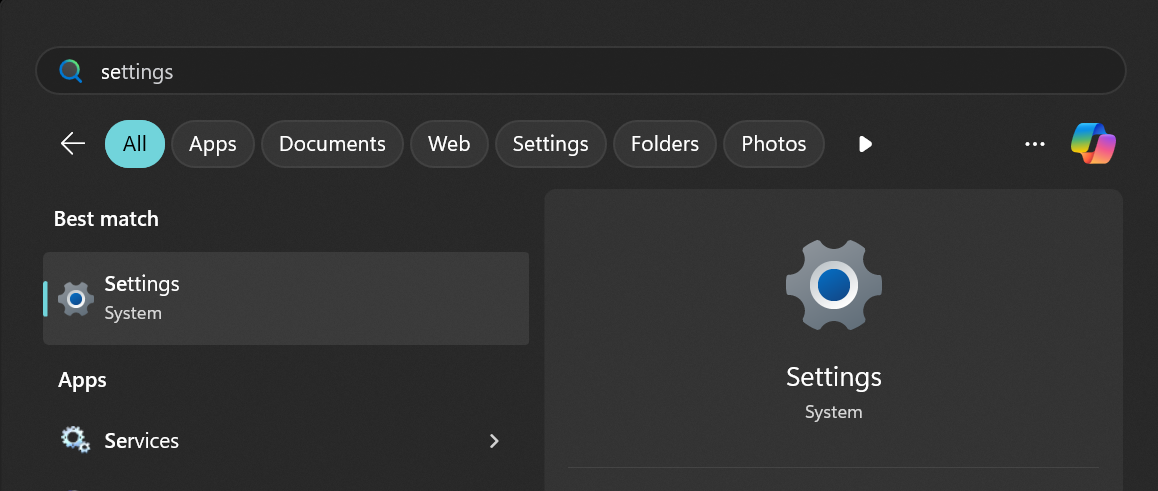
Press the Windows key on your keyboard to bring up the Start Menu. search for Settings.
2. Open Accounts Tab
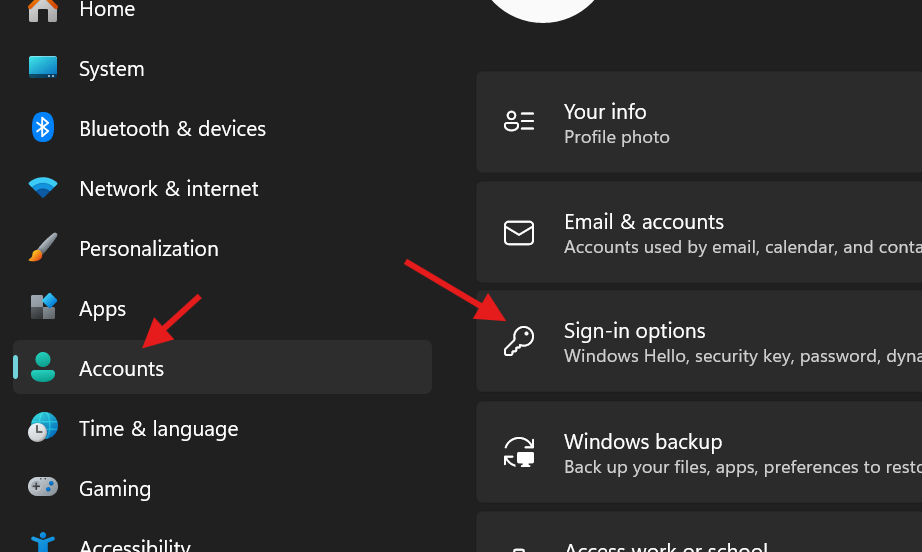
Inside the accounts tab find sign-options.
3. PIN (Windows Hello)
Click "Set up" and enter your Password. If you are resetting a PIN then click "forgot PIN".

4. Enter a PIN
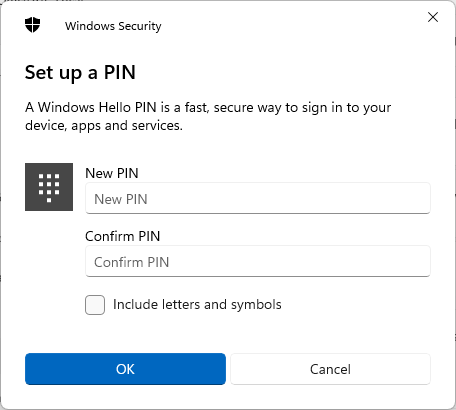
Finally enter a PIN and OK when you are done.
No Comments