
Outlook: Opening a Mailbox (Outlook Web App + New Outlook)
What will be covered:
- How to open a mailbox
1. Open Outlook Web App
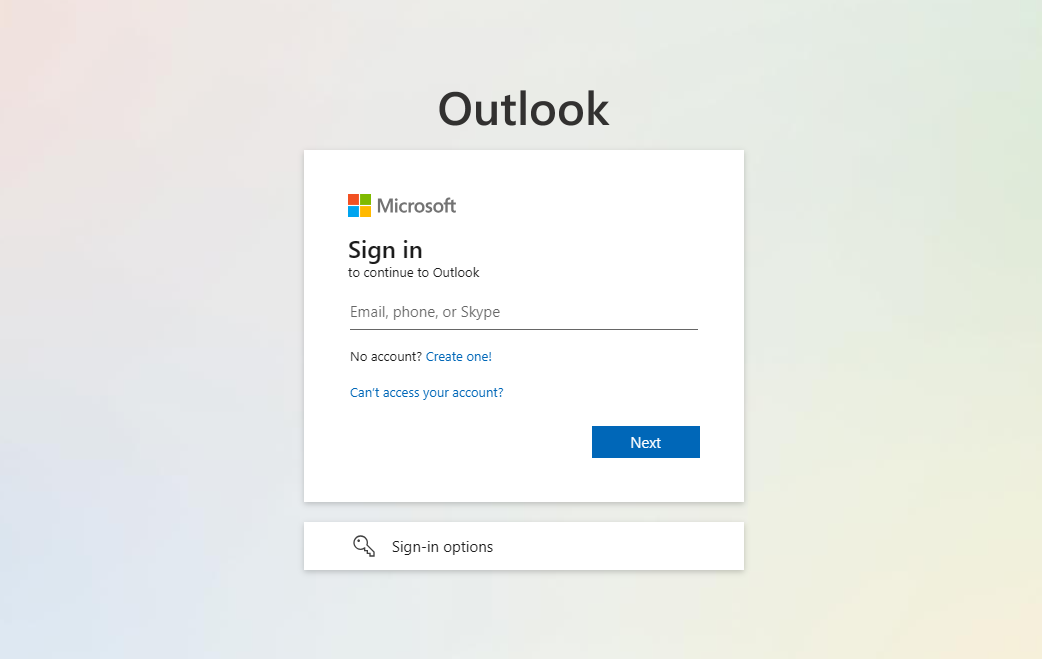
Navigate to the Office 365 portal (https://outlook.office365.com) and log in with your credentials.
2. Open Shared Mailbox
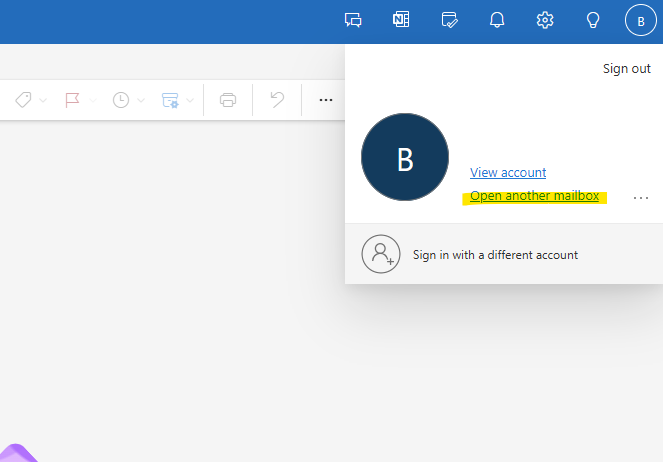
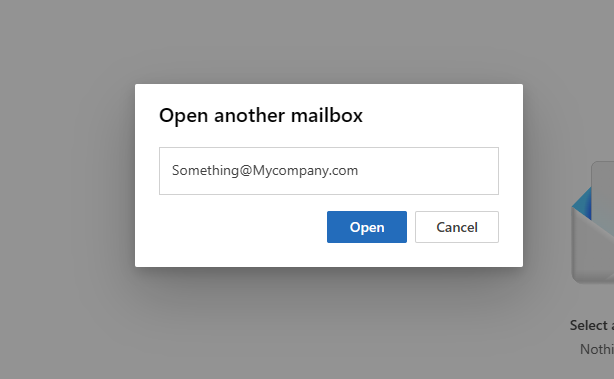
Click on your profile picture or initials in the top-right corner, Select Open another mailbox. Lastly Enter the email address of the shared mailbox and click Open. The shared mailbox will open in a new tab.
No Comments