
Outlook: Setting up Out of Office Message (Classical Outlook)
Quick guide about setting up out of office reply on classical outlook.
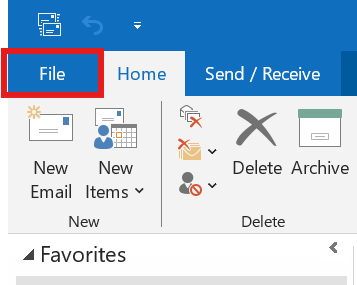
1. Open File's Tab
Click the file tab.
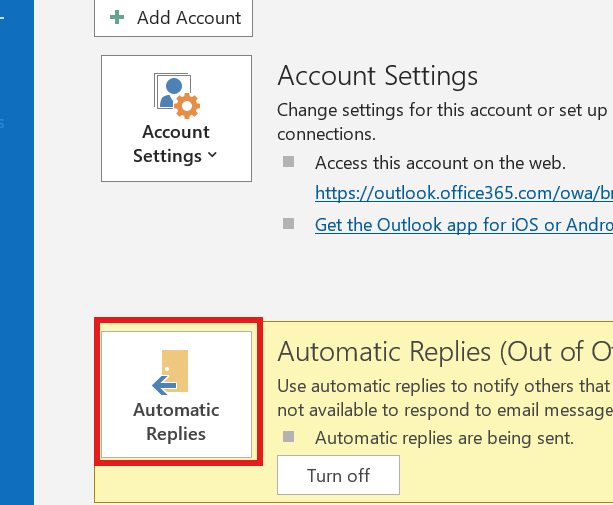
2. Select Automatic replies
In the Info Section, find the automatic replies and open it.
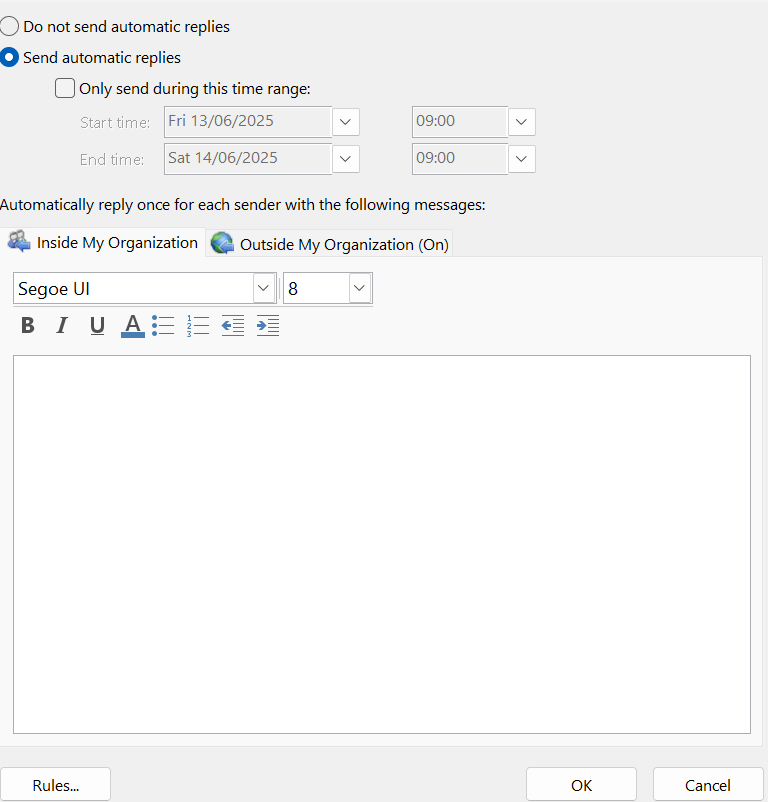
3. Configure your reply
In here you can configure the automatic reply you want to be sent to insiders and outsiders.
4. Things you might consider
You might want to consider the following when configuring:
- Adding your signature at the bottom on the reply. ( Simply copy and paste your current signature)
- Setting an Outside my Organization reply
- Sending a message between a particular time period. (check the 'only send during this time range' box)#
- Adding rules if you want the reply to be more targeted.
No Comments