
Bitdefender: Scanning Files for Viruses
We will cover the following:
How to scan a file using bitdefender.
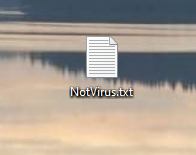
1. Find the location of the file.
it is more than likely to be in your downloads folder, if you have downloaded it recently.
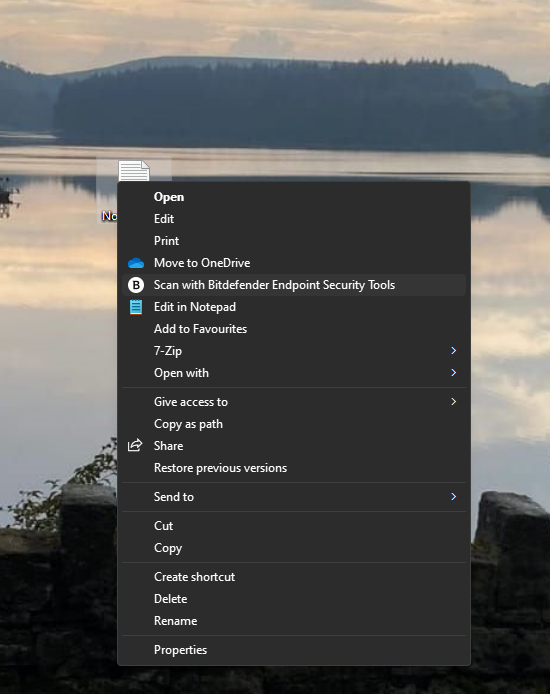
2. Scanning with Bitdefender
Right click the file and choose “Scan with Bitdefender…”
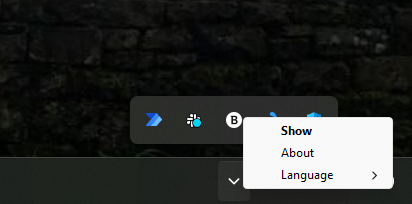
3. Checking Bitdefender
To find the results, Locate the up arrow on the bottom right of your screen. Right click the bitdefender icon (B), click show.
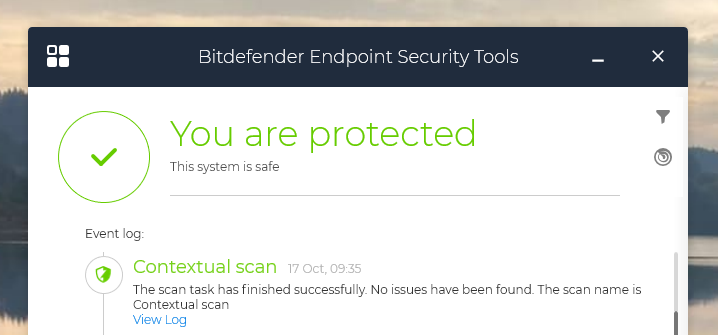
4. Open Event log
In the event log, find the latest contextual scan and click view log.
6. Results
The results and statists should appear as drop menus.
No Comments