
OneDrive: OneDrive Syncing problems
The Article demonstrates how to quit & Re-open OneDrive in-case of any syncing issues.
✔ This often clears stuck sync queues without restarting the whole PC.
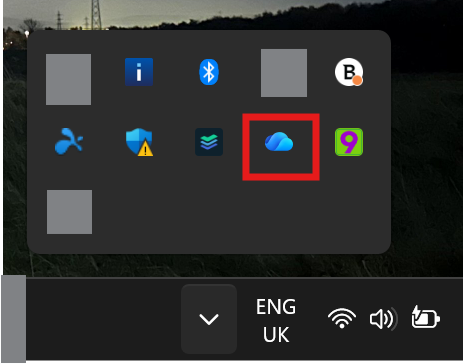
1. Right-click the OneDrive cloud icon
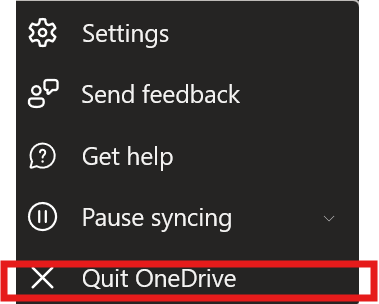
2. Click Quit OneDrive
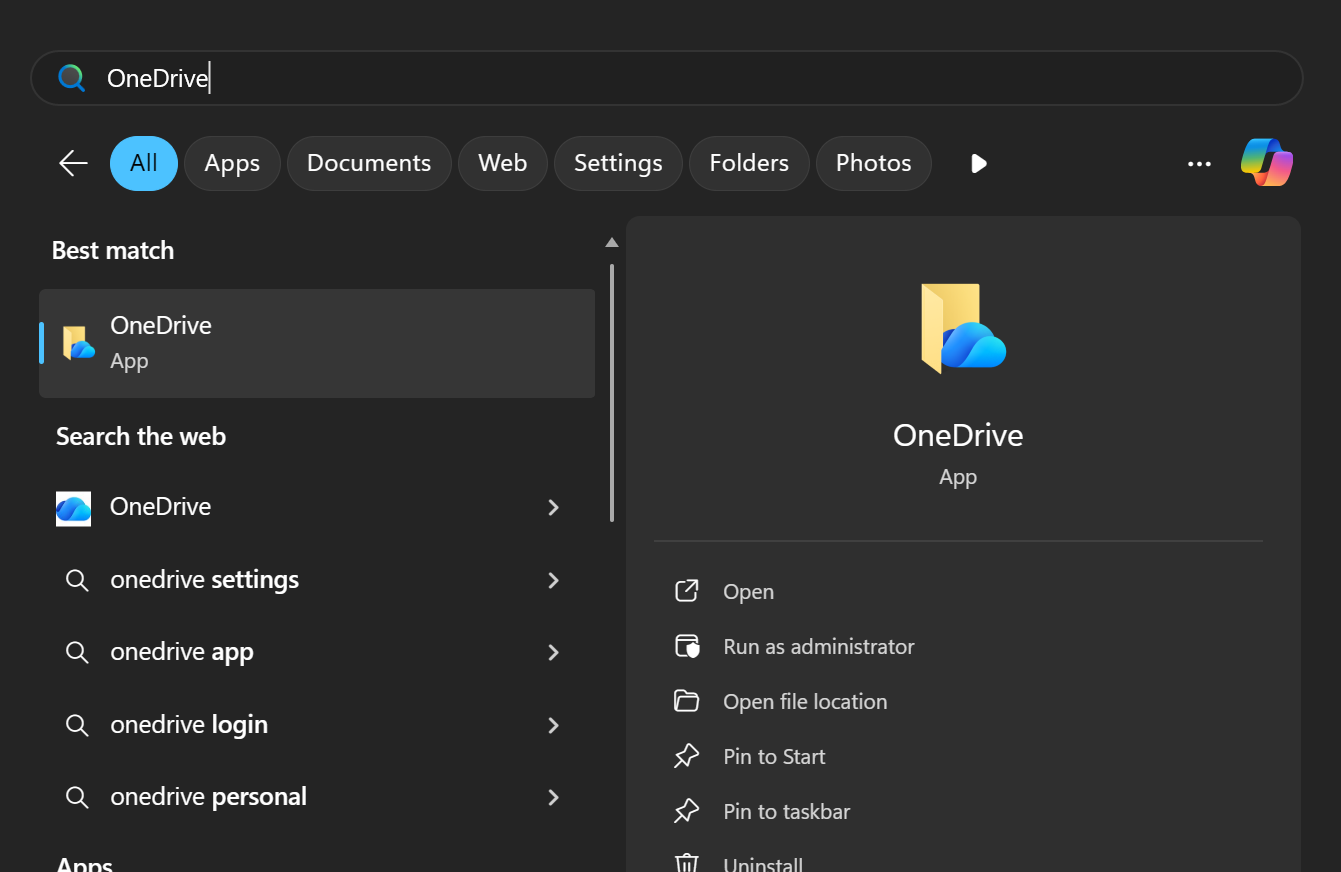
3. Start it again
-
Press Windows Key
-
Type OneDrive
-
Open it
No Comments