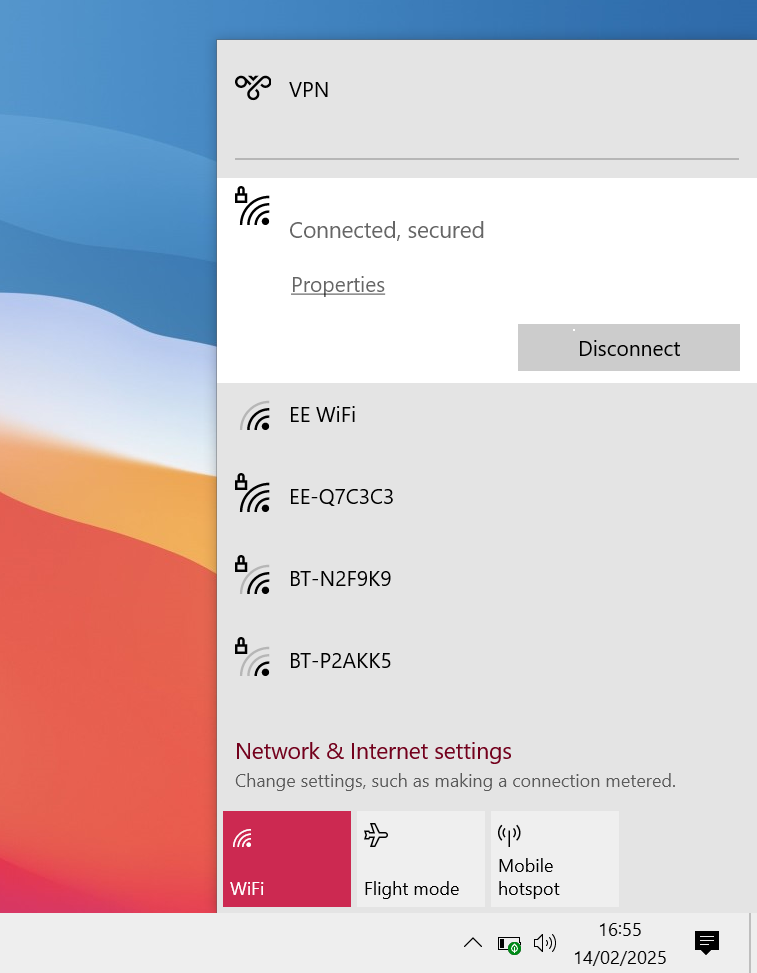
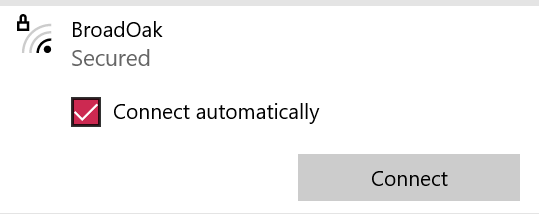
WIndows: How to connect using WIFI
Quick Assist: Your Built-In Solution for Remote IT Support
Quick Assist is a Windows built-in remote software that enables IT support engineers to quickly connect to your machine and resolve IT issues remotely. Setting it up is simple and takes just a minute. Follow these easy steps:
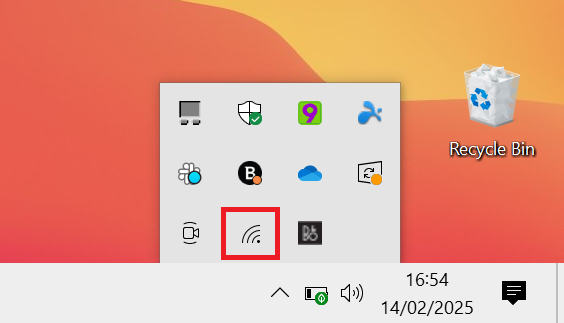
1. Open The WIFI menu
Press the Windows key on your keyboard to bring up the Start Menu.
2. Search for Quick Assist
Type Quick Assist in the search bar, then press Enter to open it.
3. Enter the Support Code
Once the Quick Assist window appears, you’ll see a prompt asking for a code. Your IT support engineer will provide this code.

4. Submit the Code
Type in the code and click Submit to initiate the remote session.