Web Mail | Logging Into Your Emails With Web Mail
Quick step by step guide demonstrating how to log into your email account through web mail.
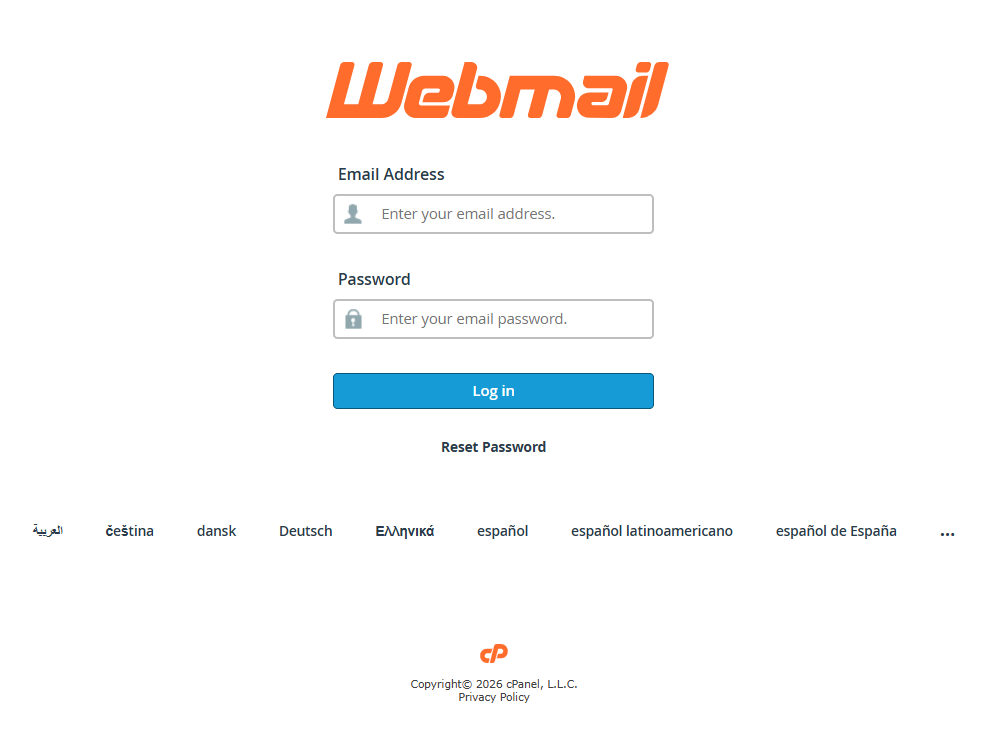
1. Visit Our Web Mail Client
PreferablePreferablely on a Laptop or Desktop, Open a web browser and go to the following link:
https://cp10.hosting.9.technology:2096/
2. Logging in to your web mail account
Once you've reached the site, enter your email address you would like to log-in.
Our Support team would have given you the password to log into your email. if you never been given your password or have forgotten it please contact the support team for help.