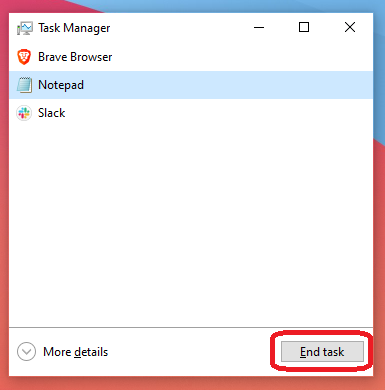
Task Manager: How to force close an application
Welcome to this quick guide on how to force close a crashed or frozen application. If an app suddenly stops responding, it can feel frustrating and leave you unsure of what to do. Crashes often occur when an application encounters issues accessing your computer’s processes. Force closing the unresponsive app and reopening it can often resolve the problem and get things running smoothly again
1. Open the Start Menu
Press the Windows key on your keyboard to bring up the Start Menu.
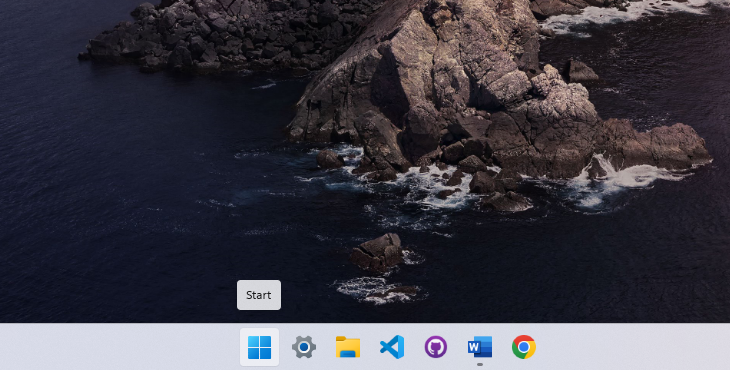
2. Search for Task Manager
Type Task Manager in the search bar, then press Enter to open it.
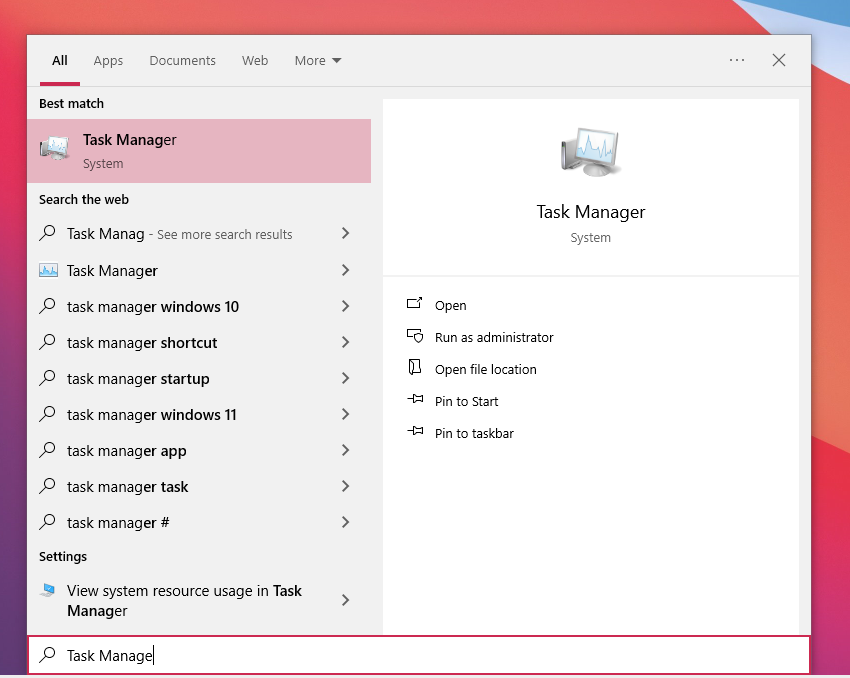
3. Find the application
Once the Task Manager window appears, you’ll see a series of application currently running on your machine. Find the application that is in question and Select it.
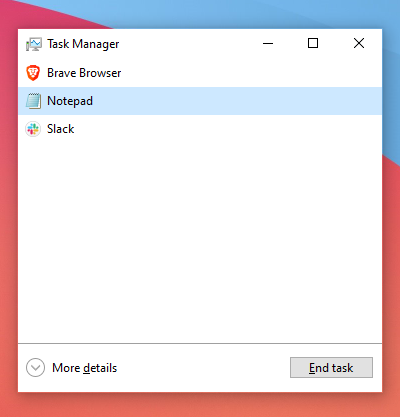
4. End Task
Click End Task. This will force a close to the application.