Skip to main content
9 Technology Group LTD Documentation
View All
Search
Shelves
Books
Sign up
Log in
Info
Content
Outlook
Outlook | Logging into...
Page Revisions
Revision #1002
Outlook | Logging into Outlook
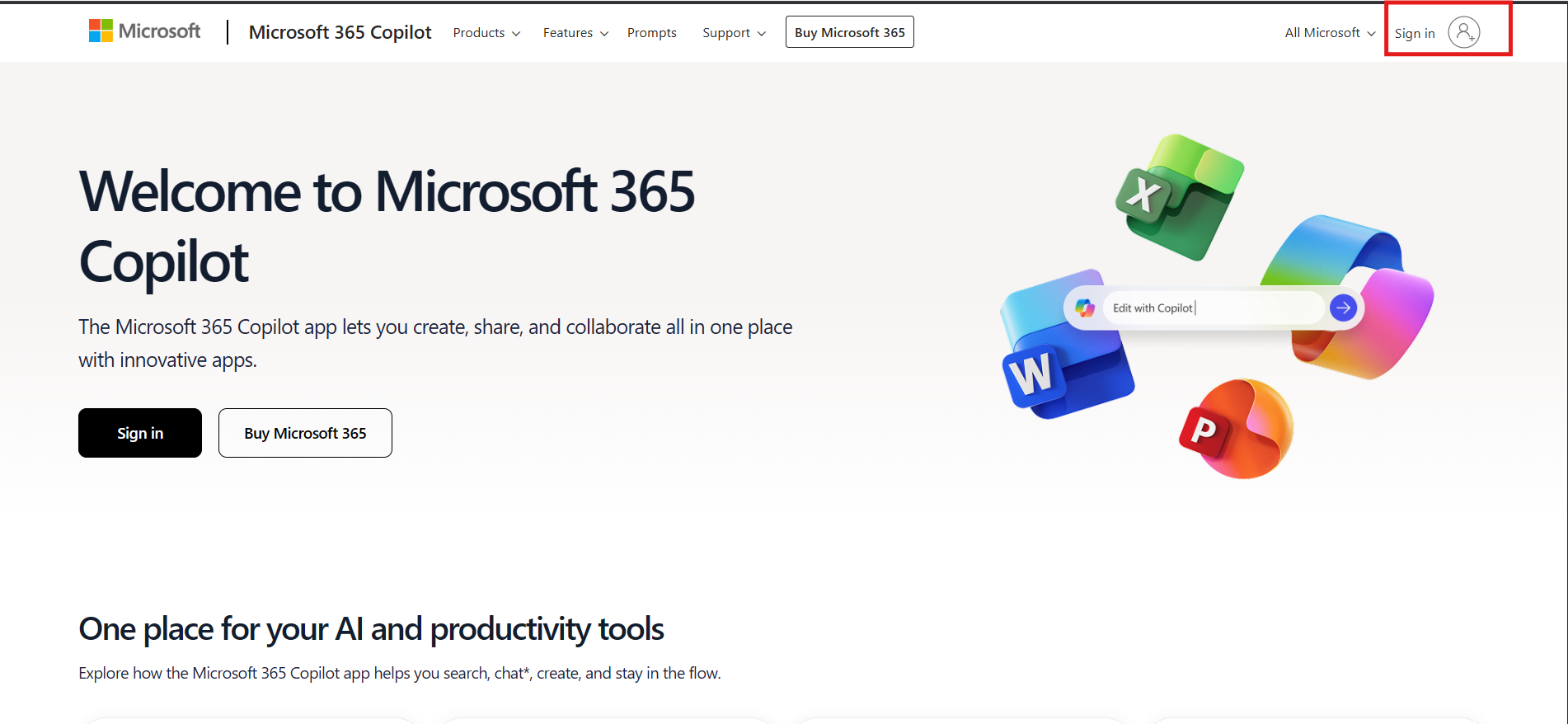
1. Open a web browser and type "office.com" in the search bar
2. Click the Sign in Icon top right
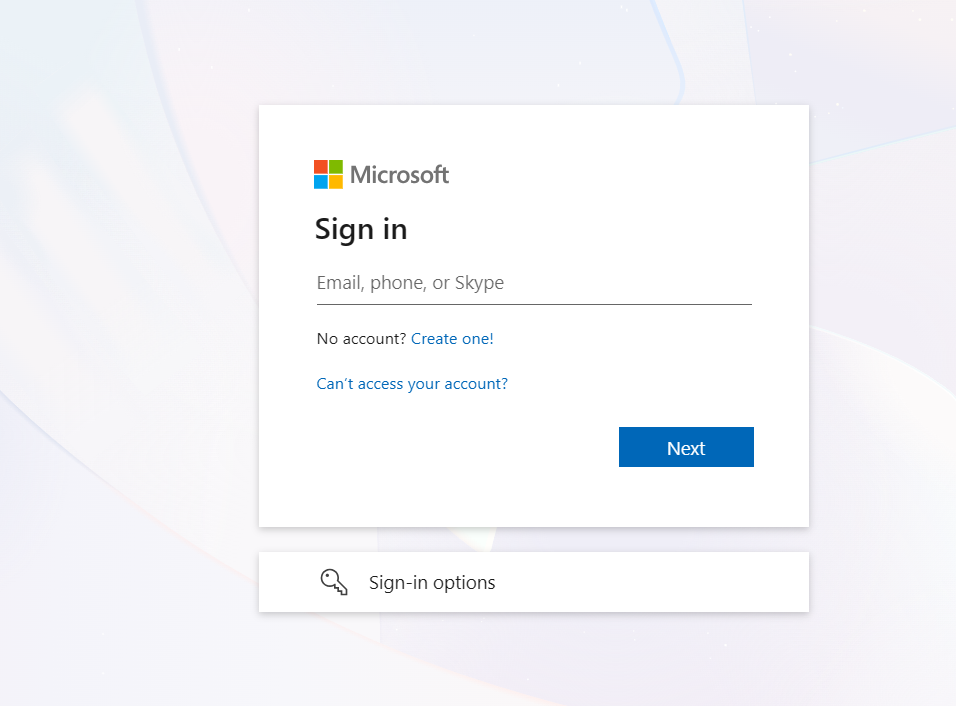
3. Login with the email credentials provided
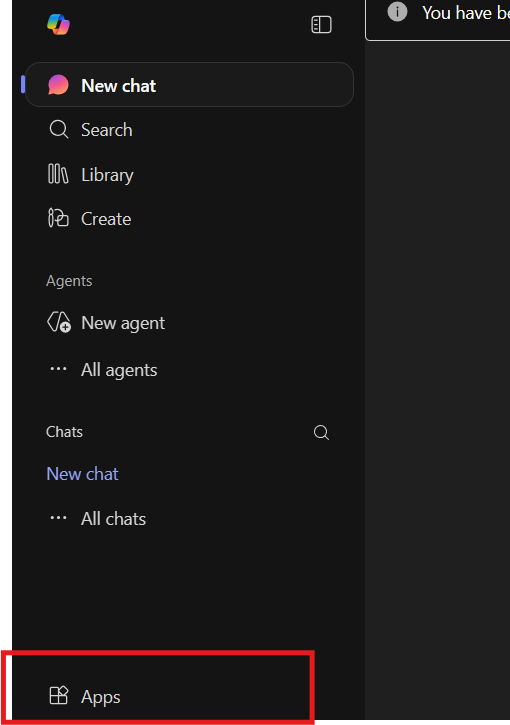
4. On the bottom left, click on apps and select Outlook
Back to top