Outlook | Logging into Outlook
Quick Assist: Your Built-In Solution for Remote IT Support
Quick Assist is a Windows built-in remote software that enables IT support engineers to quickly connect to your machine and resolve IT issues remotely. Setting it up is simple and takes just a minute. Follow these easy steps:
1. Open a web browser and type "office.com" in the search bar

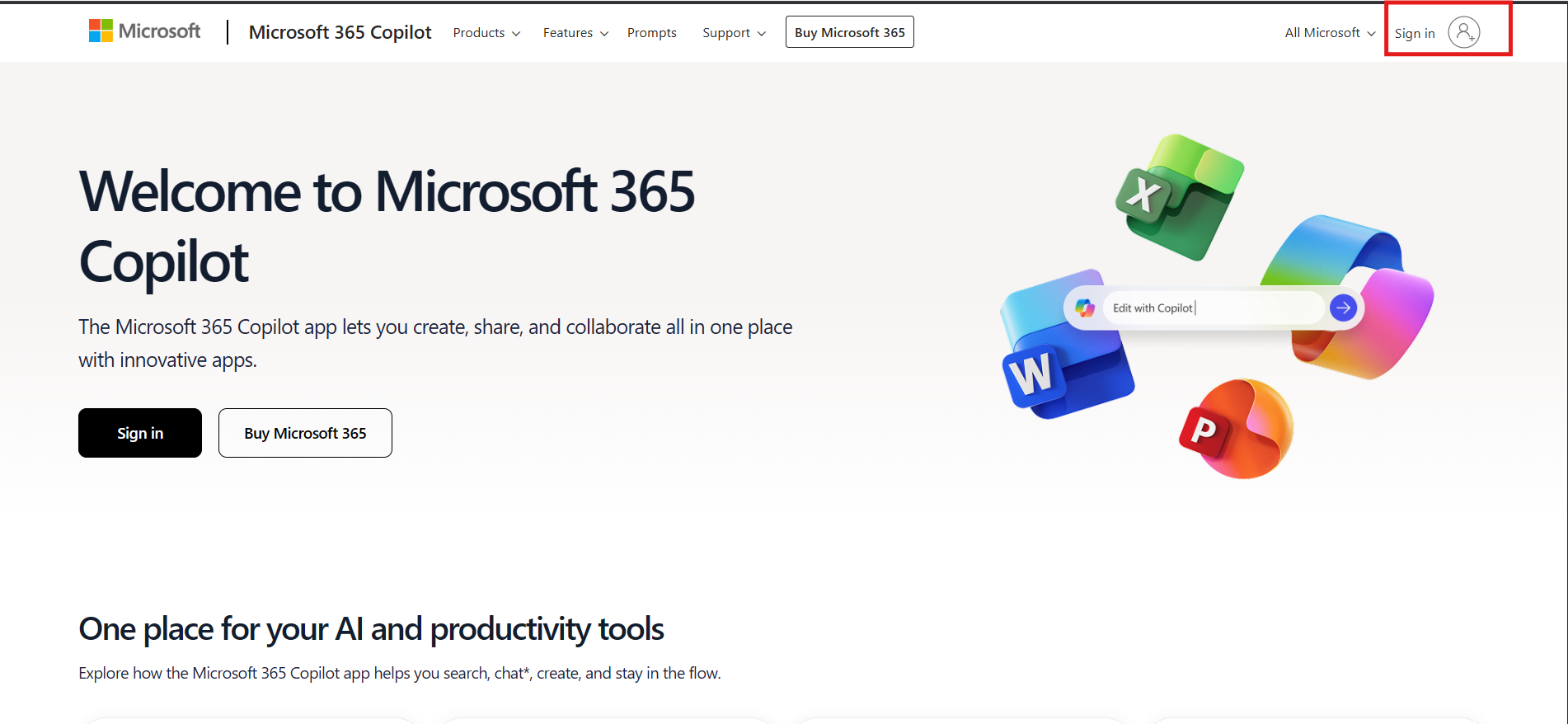
2. Click the Sign in Icon top right
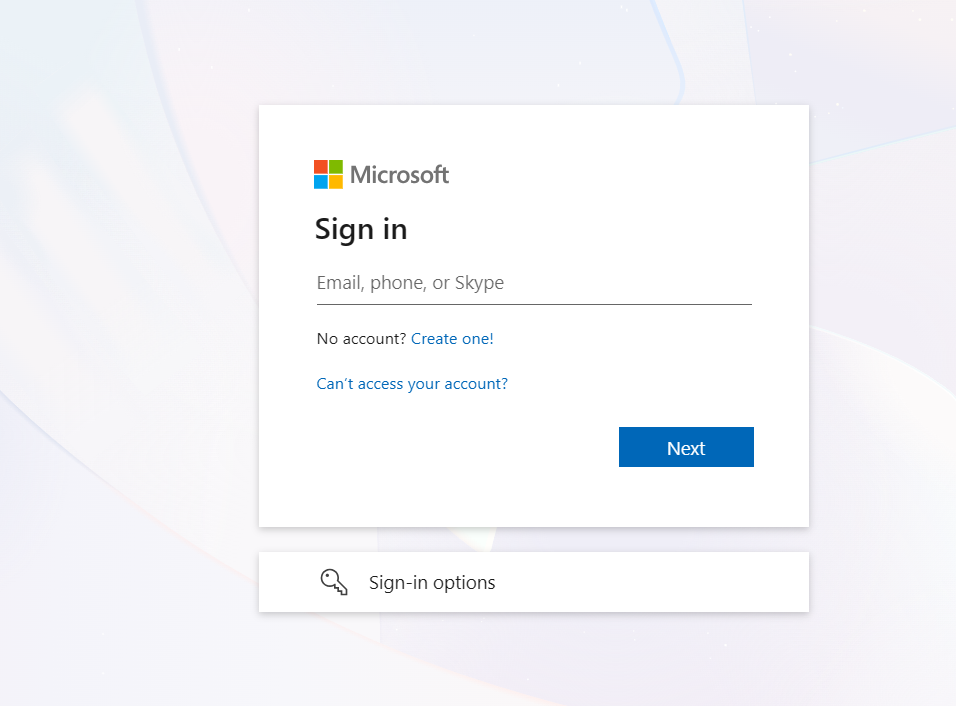
3. Login with the email credentials provided
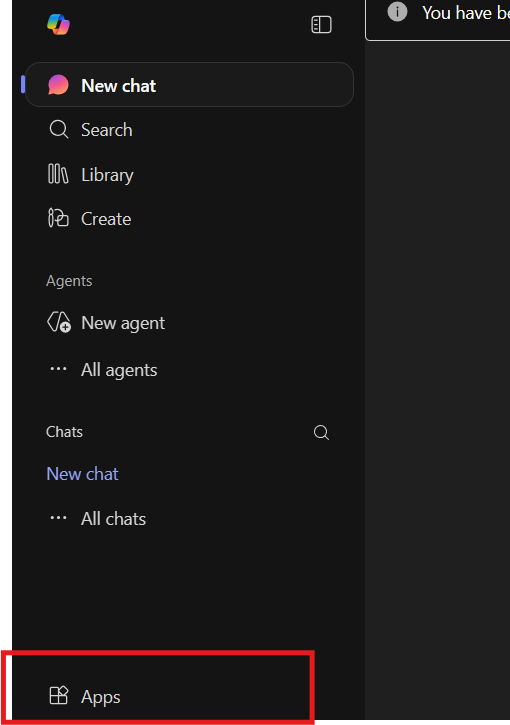
4. On the bottom left, click on apps and select Outlook