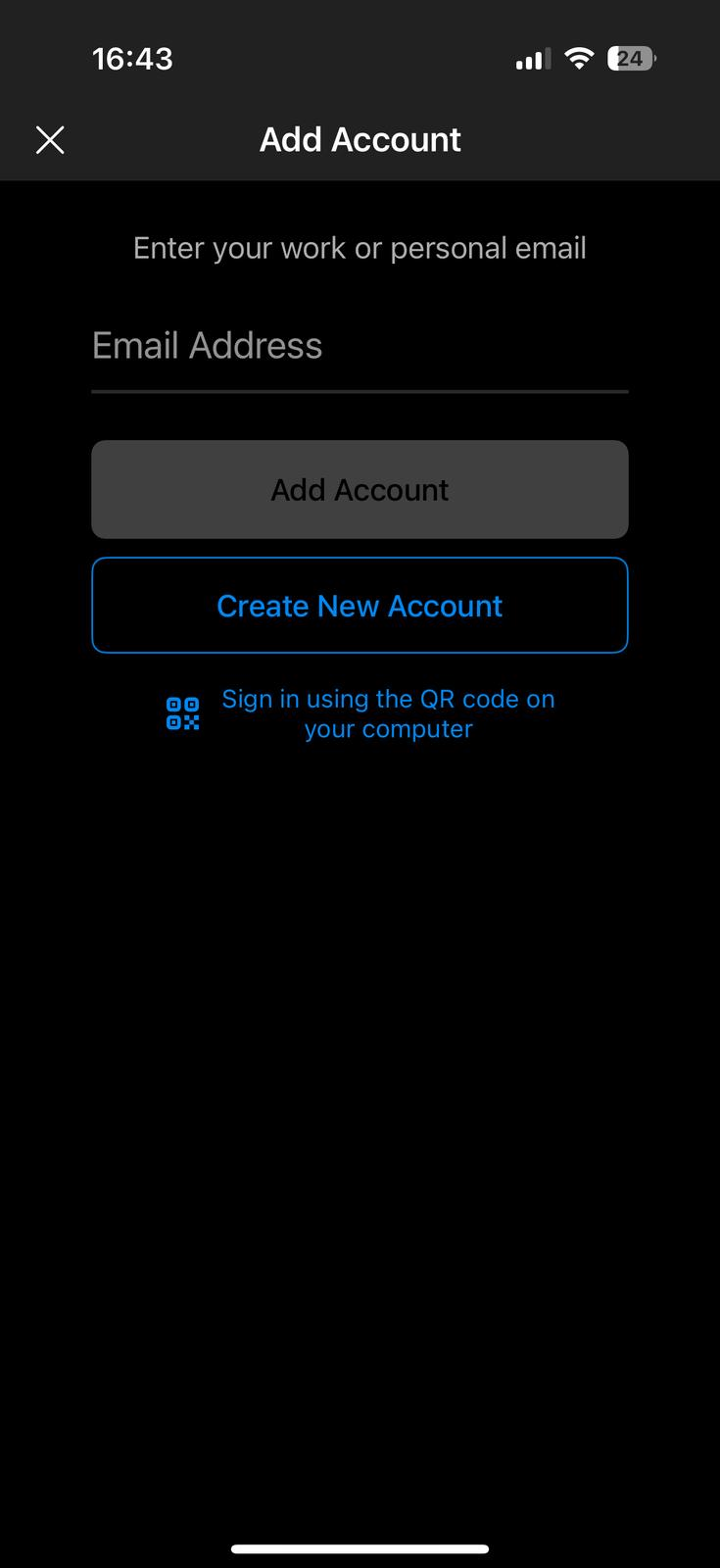
Outlook: Adding a new Mailbox (iPhone)
Quick Assist: Your Built-In Solution for Remote IT Support
Quick Assist is a Windows built-in remote software that enables IT support engineers to quickly connect to your machine and resolve IT issues remotely. Setting it up is simple and takes just a minute. Follow these easy steps:
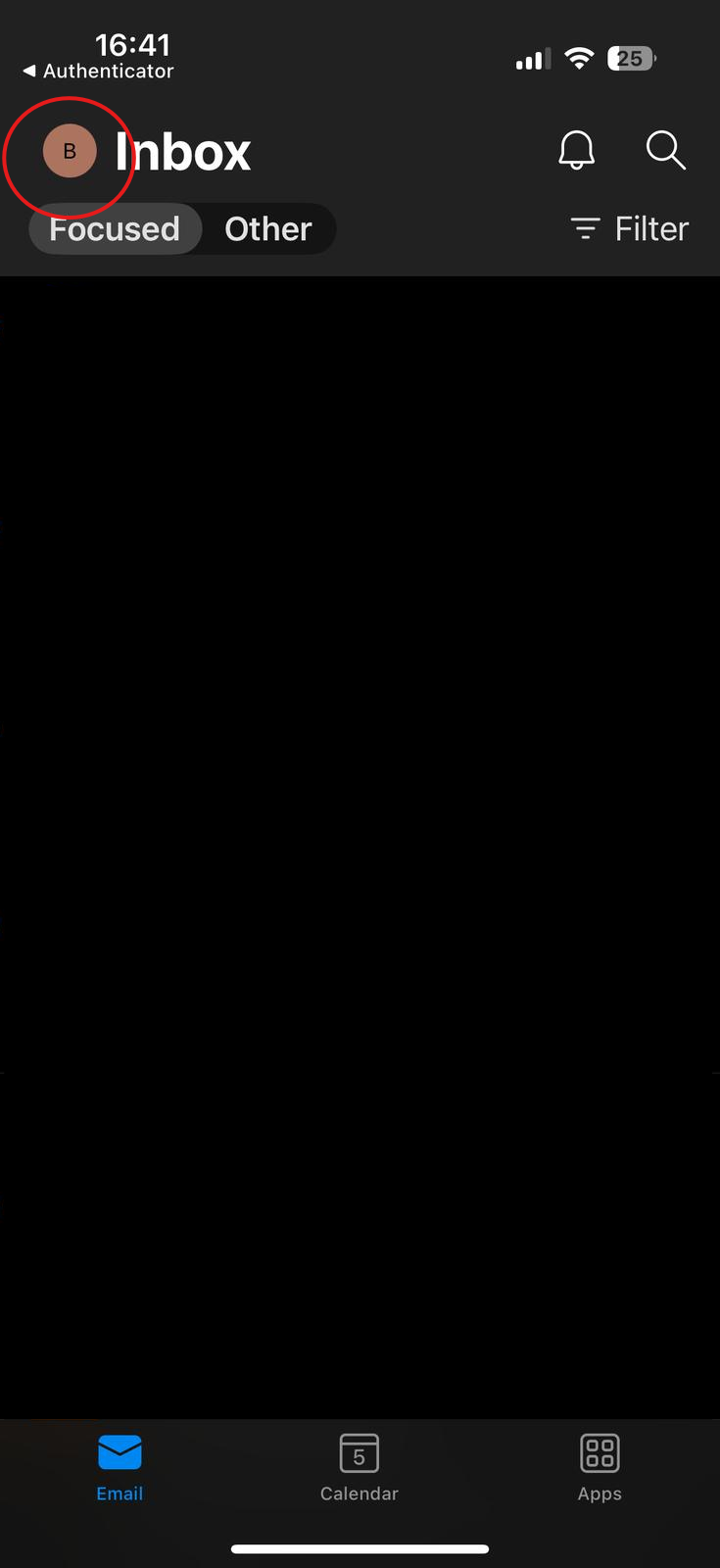
1. Open Outlook App
On your iPhone open the outlook app. Click your profile icon top left of the screen.
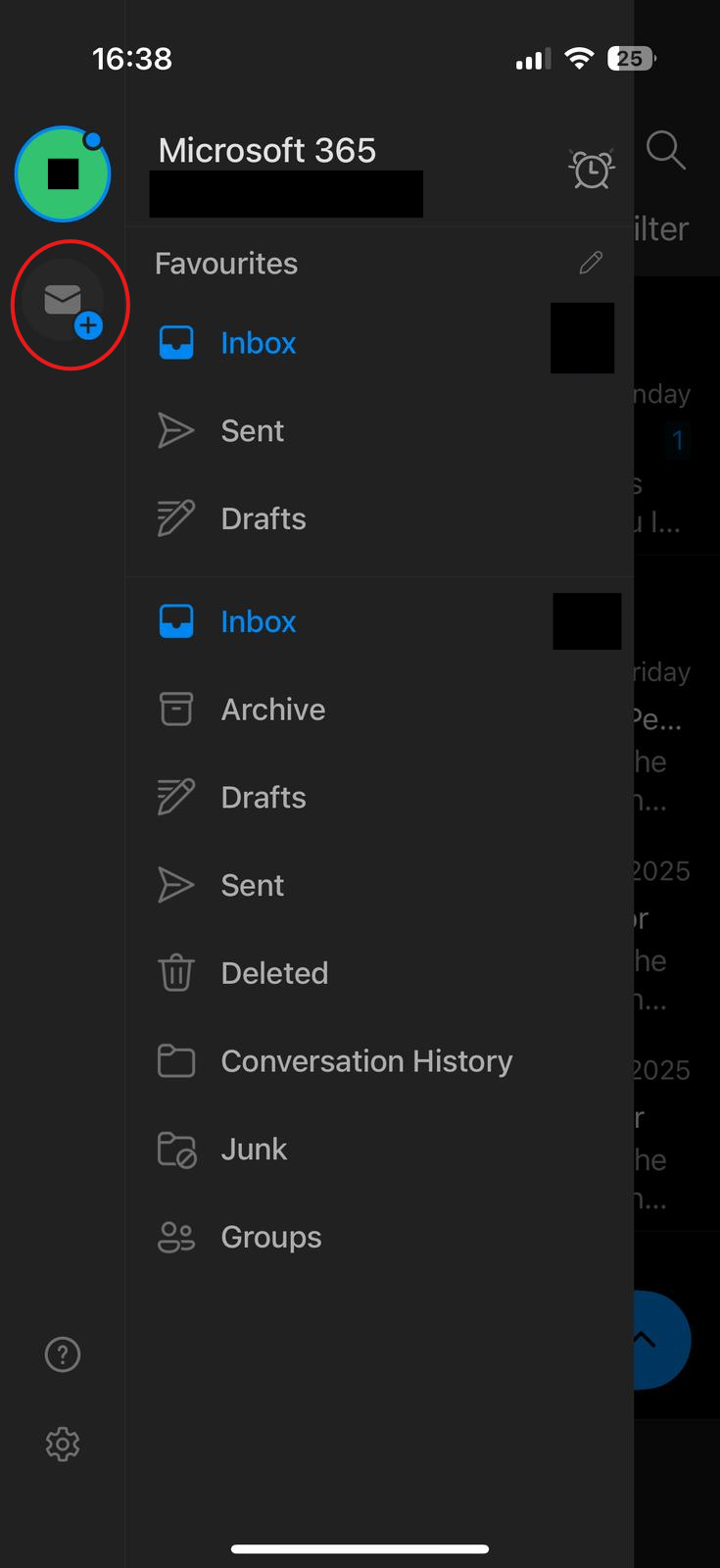
2. Add New Email Account
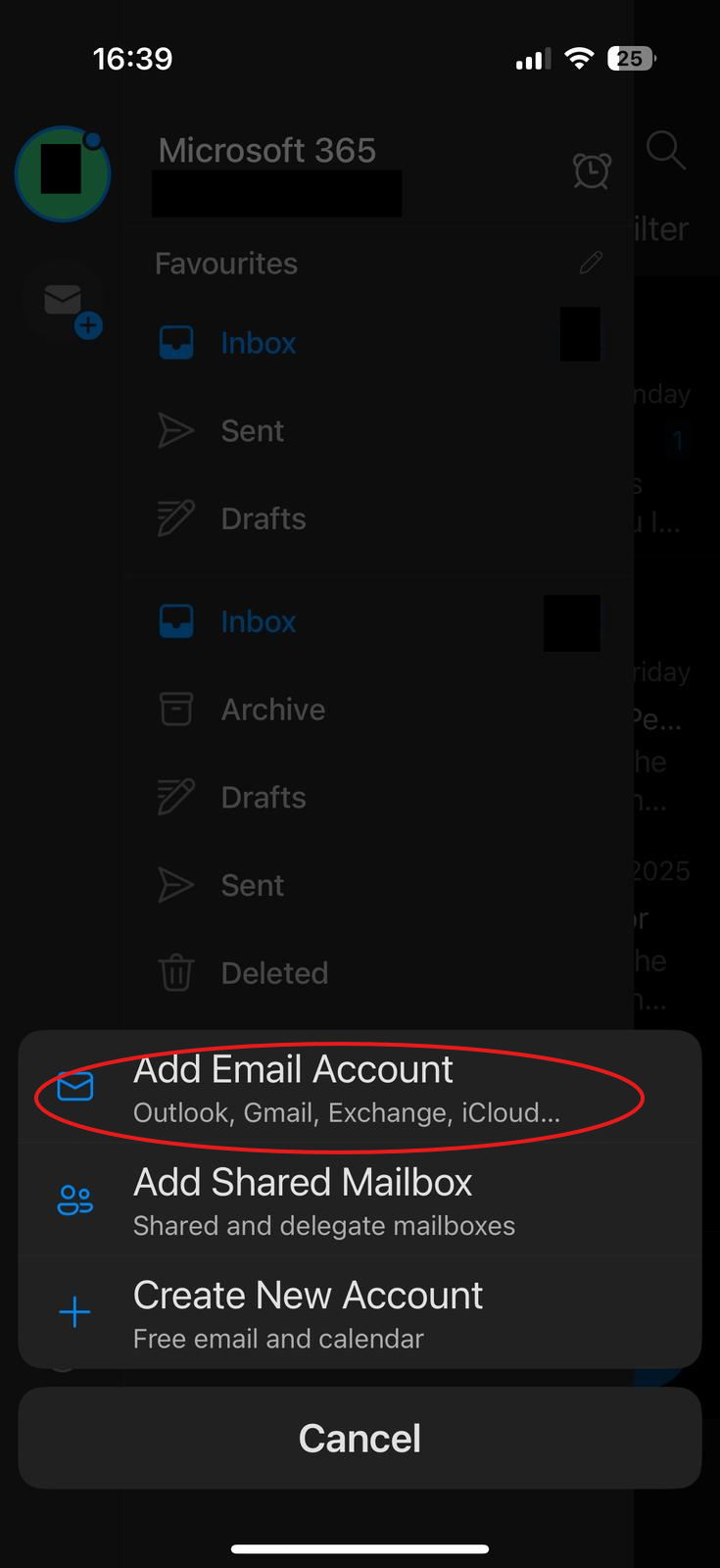
As highlighted below, click the add email button.
3. Login in
Enter in your email address. It might require MFA if that account has MFA enabled.