Outlook: Adding a new Mailbox (iPhone)
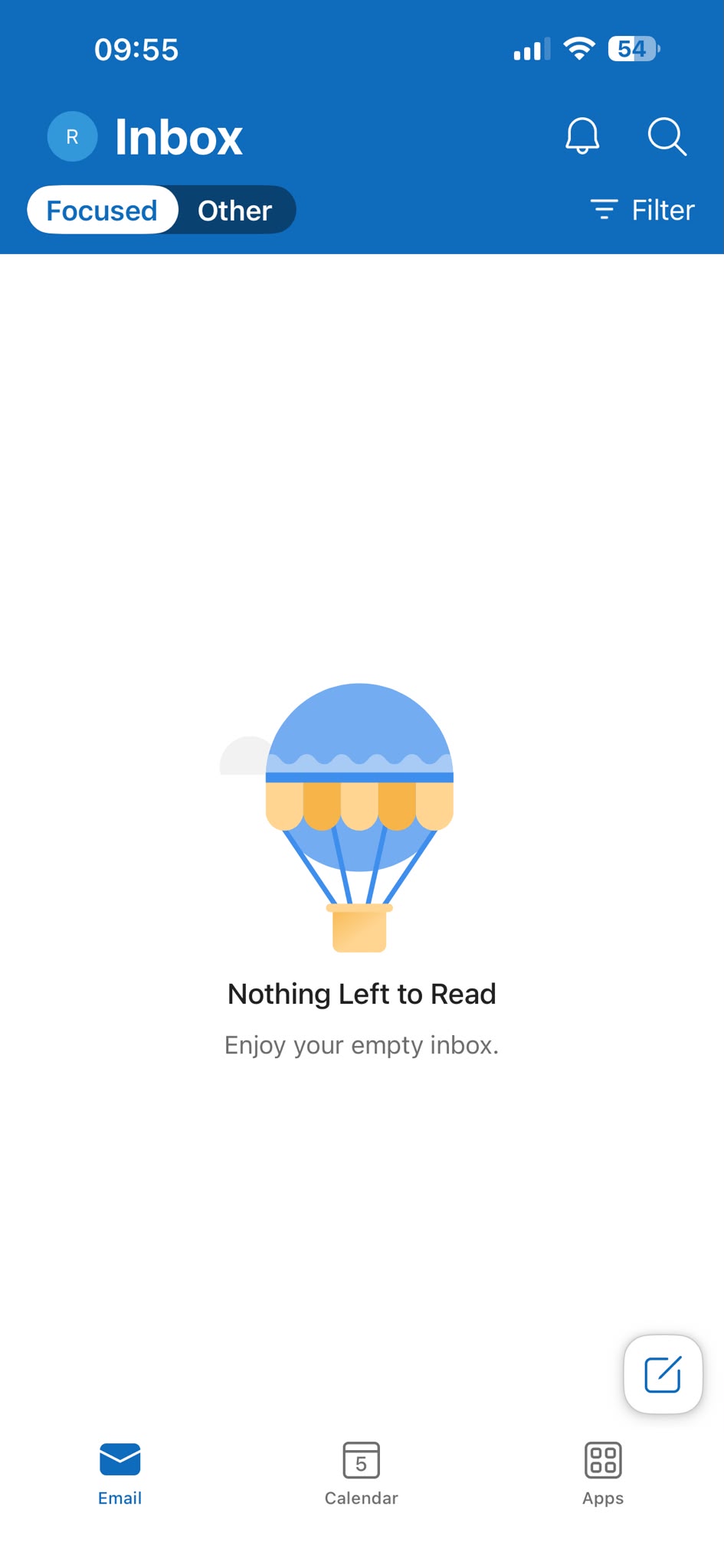
1. Open Outlook App
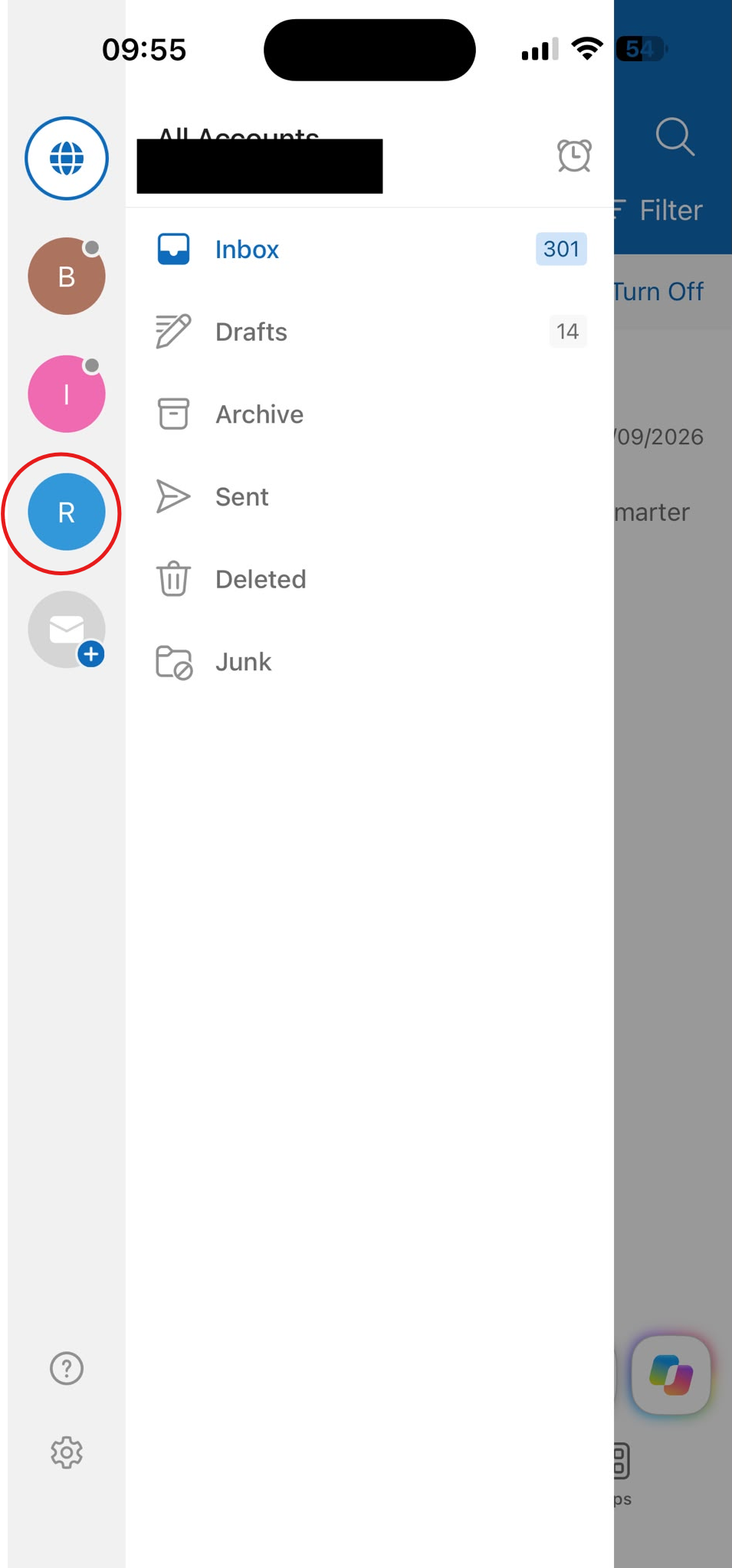
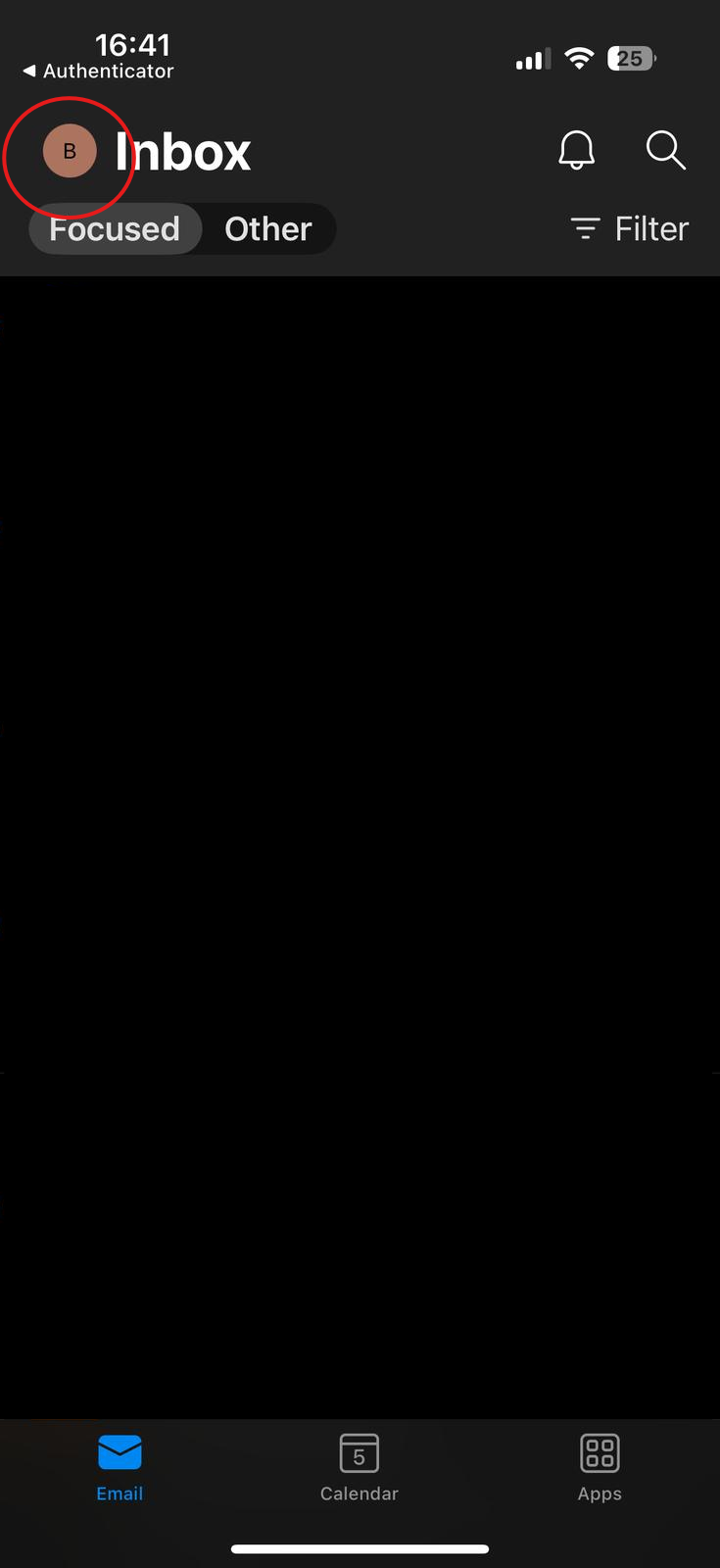
On your iPhone open the outlook app. Click your profile icon top left of the screen.
2. Add New Email Account
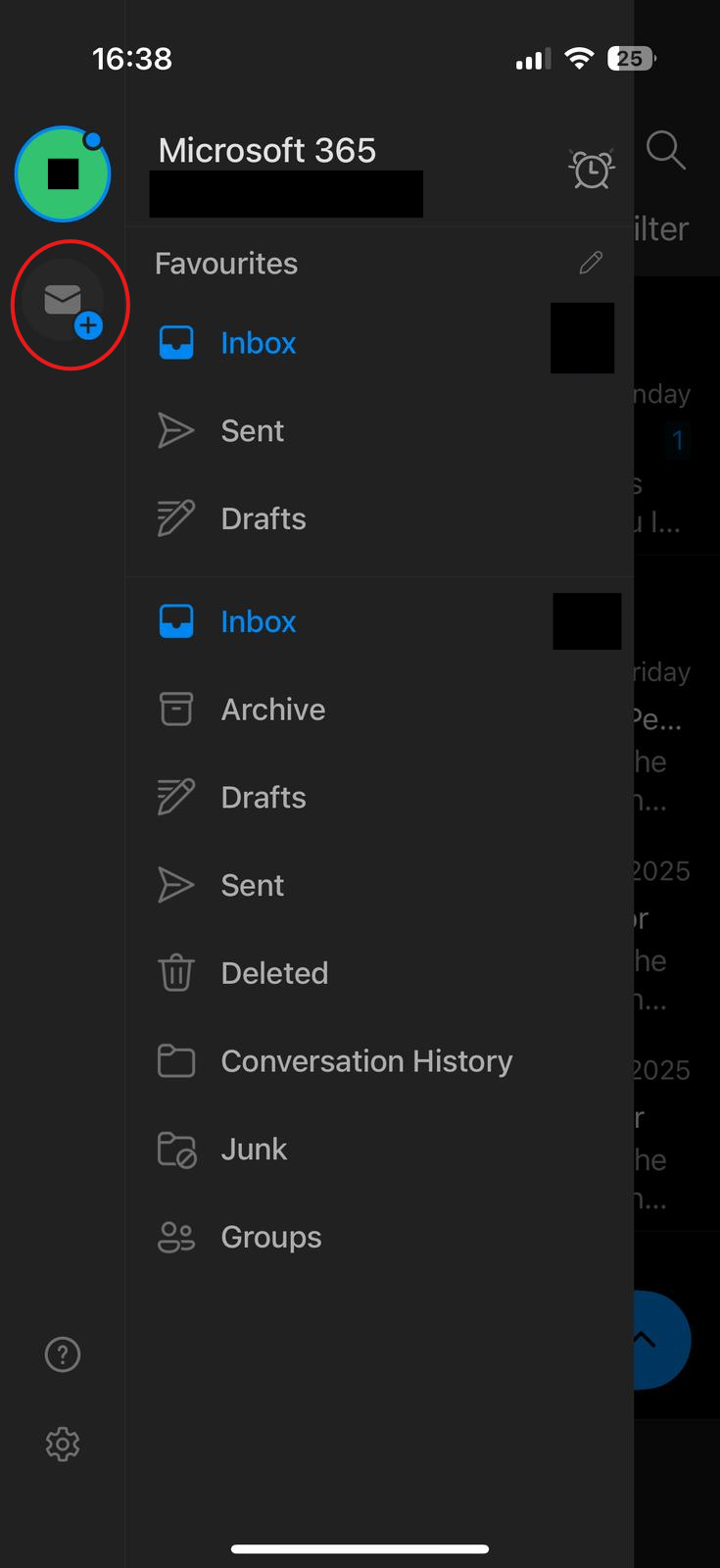
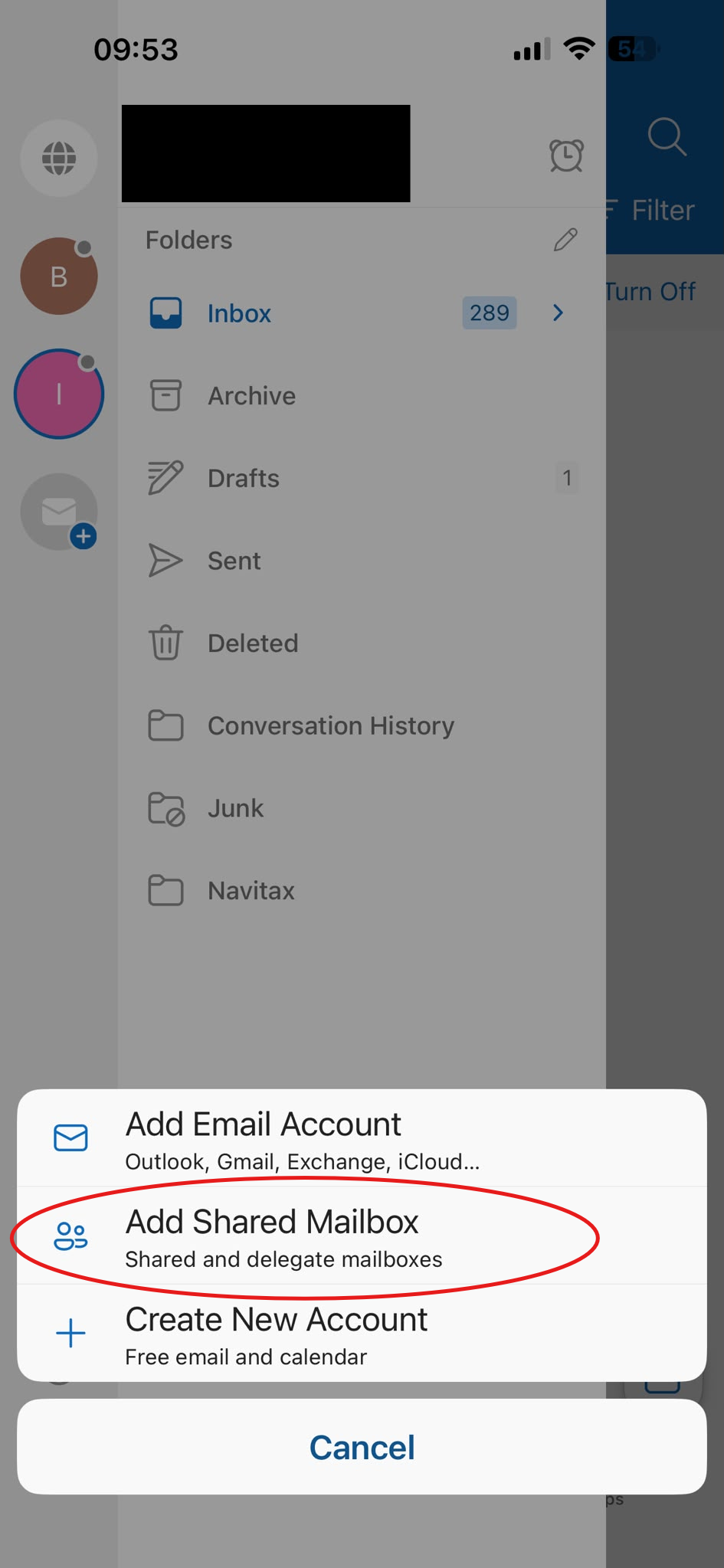
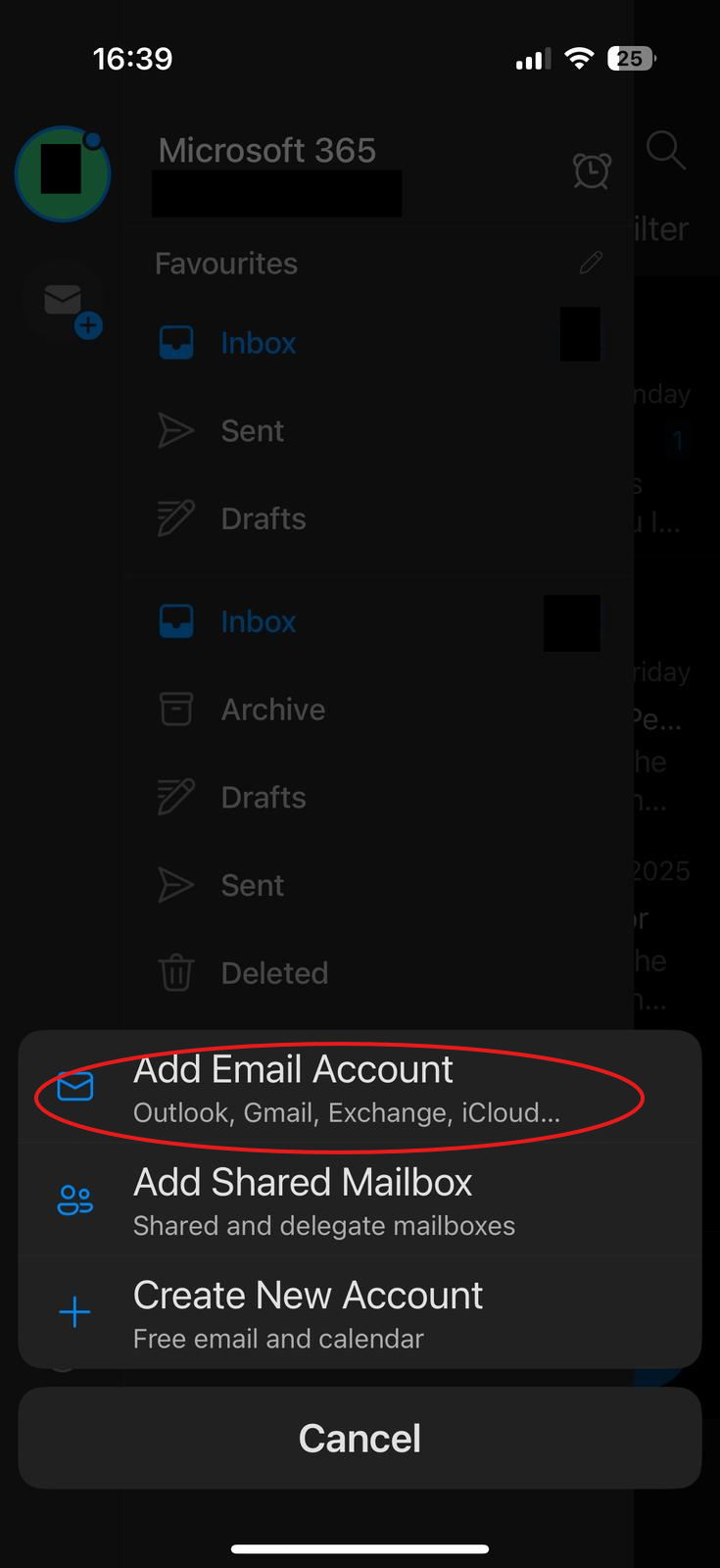
As highlighted below, click the add email button. Then click add new shared mailbox.
3. Login in
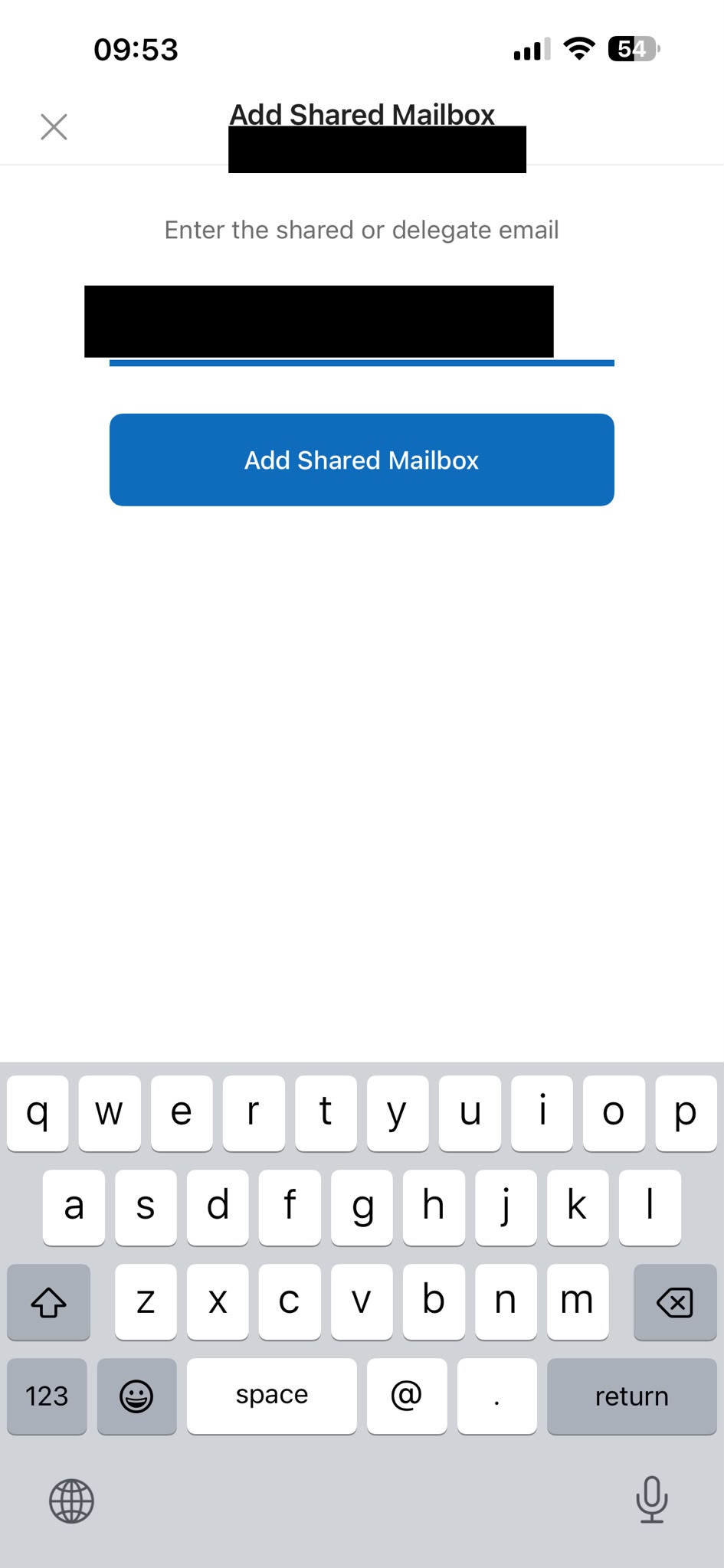
Enter in yourthe email address.address Itof mightthe requireshared MFAmailbox. if that account has MFA enabled.
4. Open the added Shared Mailbox