Outlook: Adding a new Mailbox (iPhone)
1. Open Outlook App
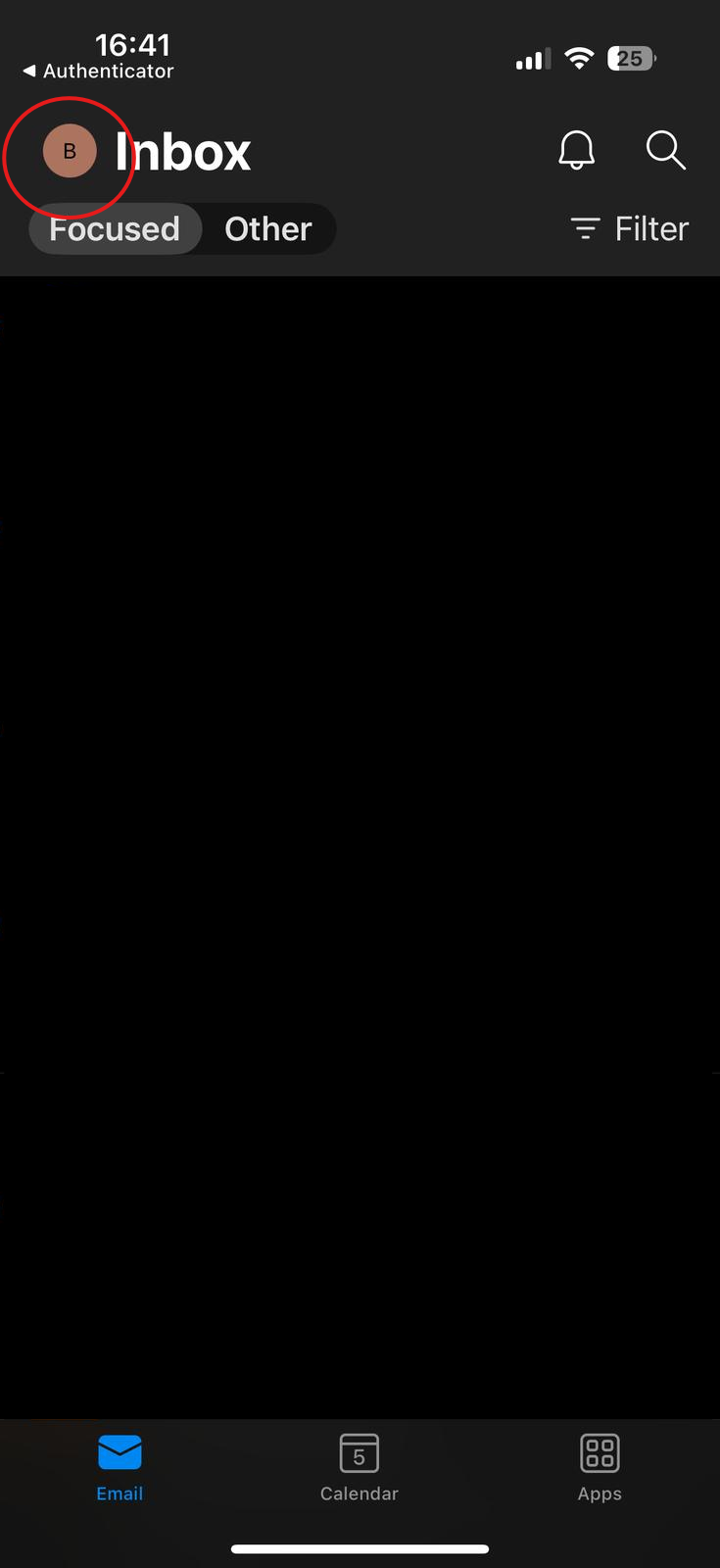
On your iPhone open the outlook app. Click your profile icon top left of the screen.
2. Add New Email Account
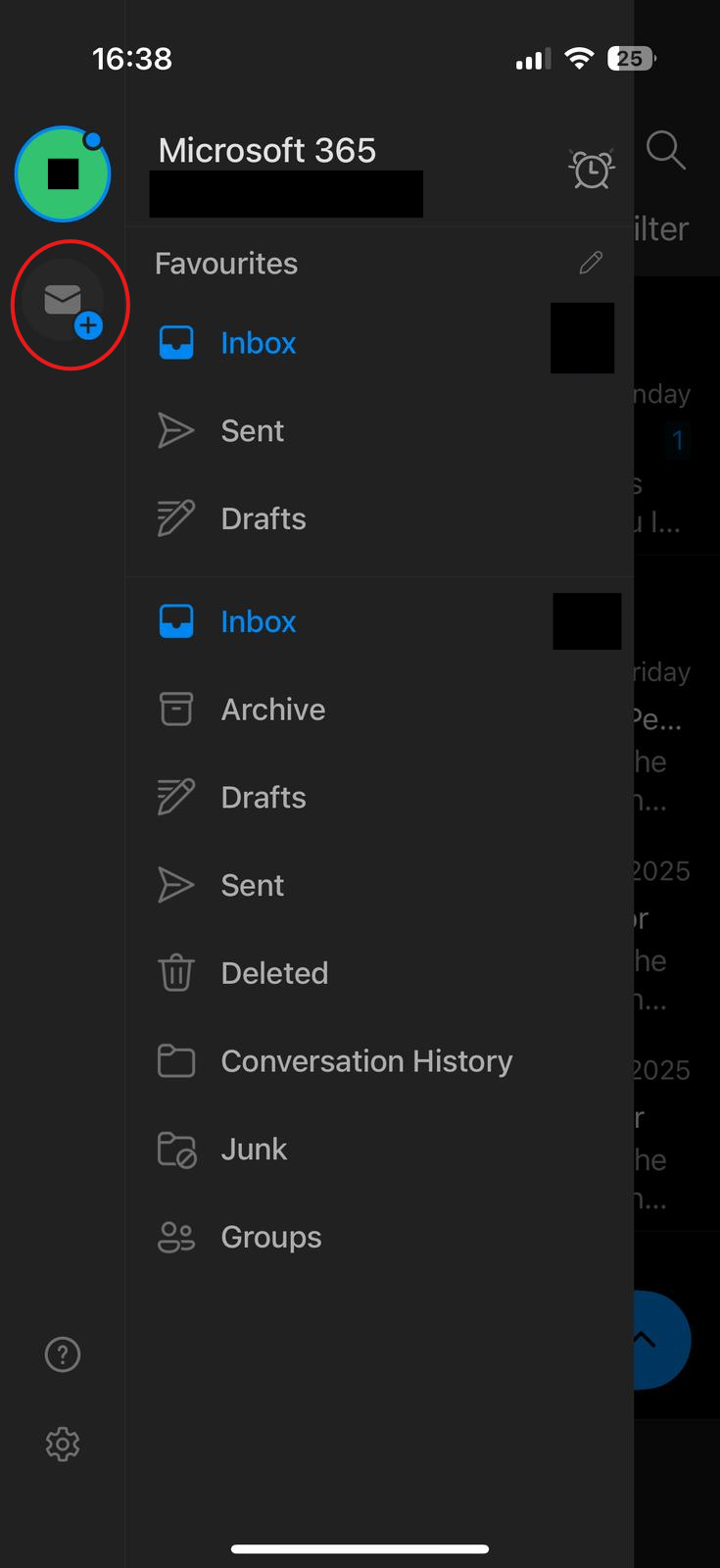
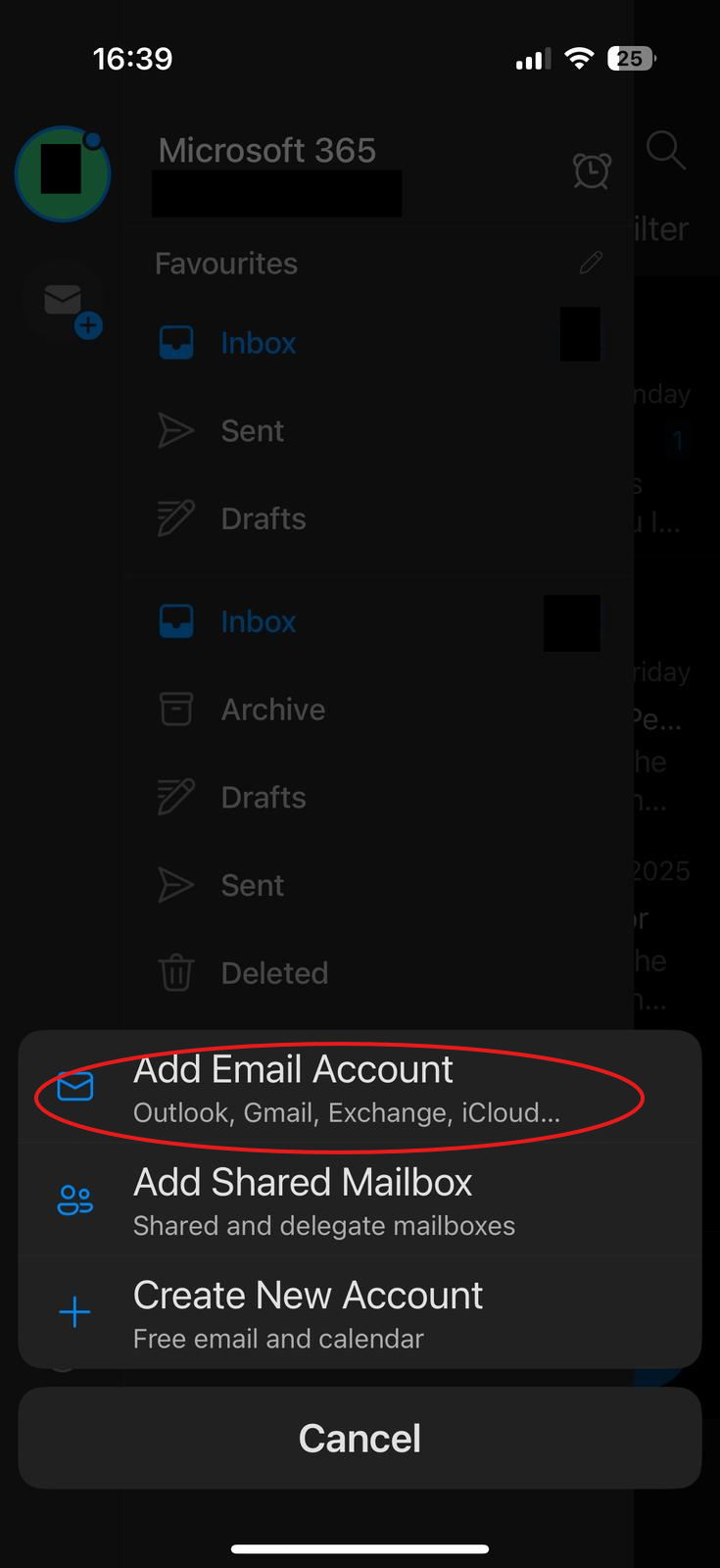
As highlighted below, click the add email button.
3. Login in
Enter in your email address. It might require MFA if that account has MFA enabled.