How to reset your password | Web Mail
In this demonstration, you will learn how to reset your Web Mail password.
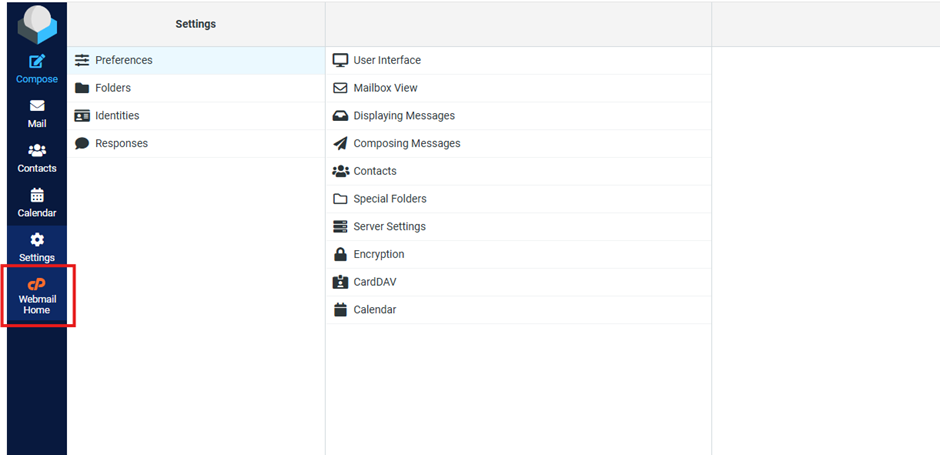
1. Click Web Mail Home
Click the Webmail home button on the left side panel.
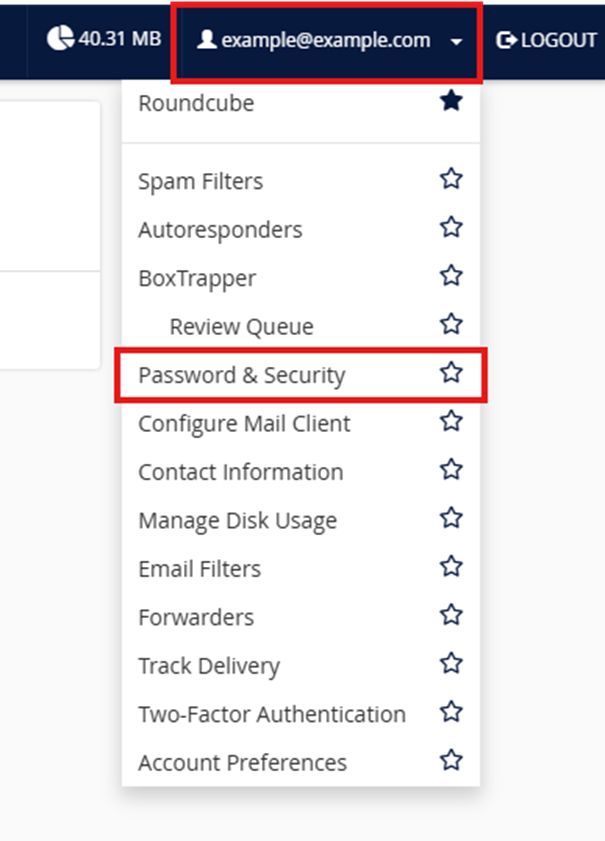
2. Click Password & Security
On the Web mail home page, find your email address at the top right of the screen. in the drop menu choose Password & Security.
3. Reset your password
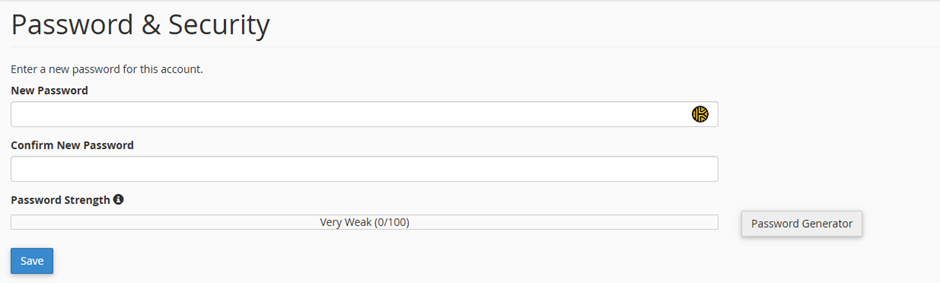
From here you can enter a new password or generate a new one.